Stage the source
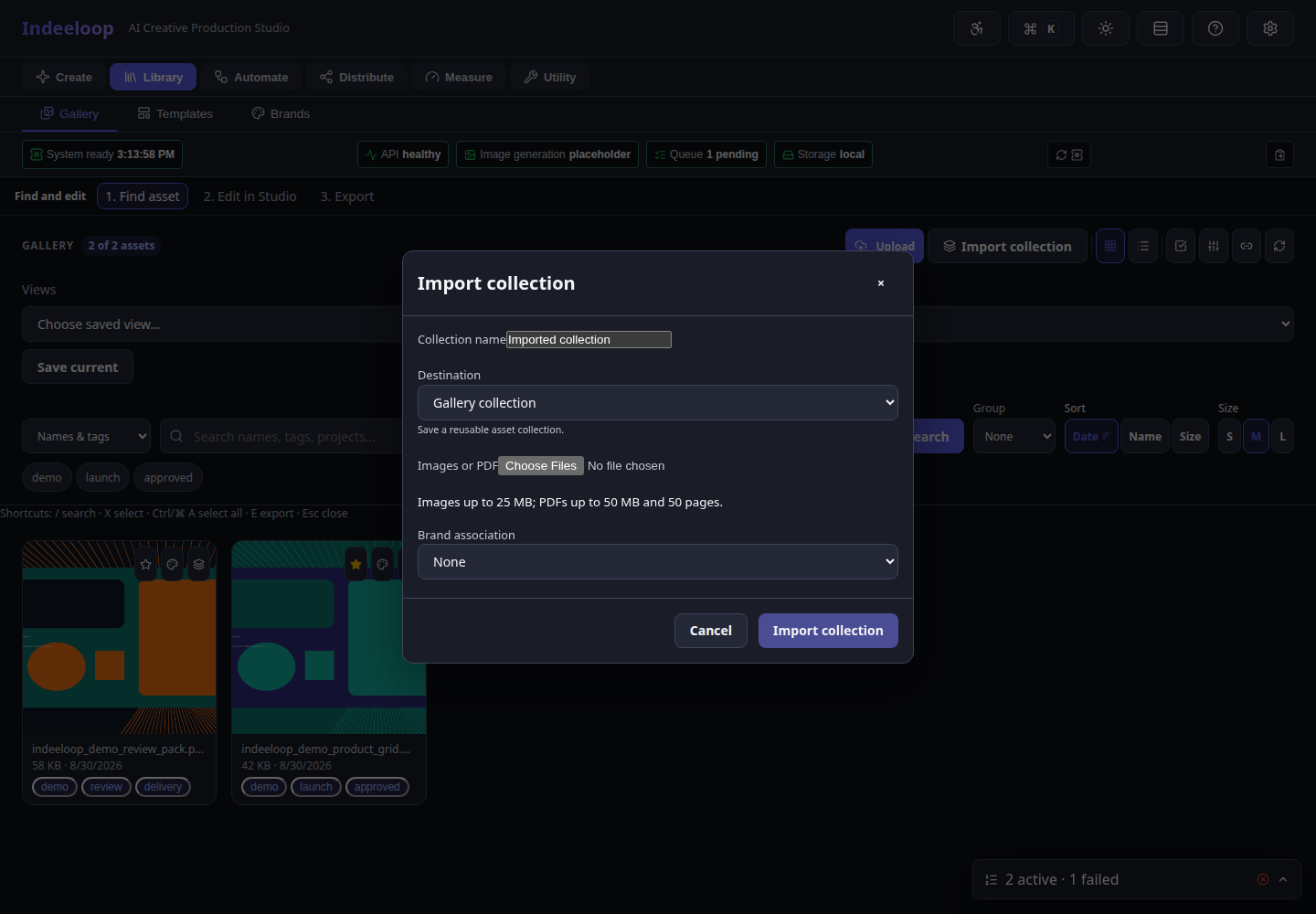
Add a set of images or a PDF and inspect the planned collection before committing it.
Collect images and PDF pages in one place, review the import, and make them findable for design, campaign, and motion work.
The work stays connected to its source, edits, and next handoff.
Add a set of images or a PDF and inspect the planned collection before committing it.
Check page order, names, metadata, and destination; remove anything that does not belong.
Find items in Gallery by search, tags, and palettes, then use them in templates or motion.
A producer can bring a PDF lookbook into a collection, inspect its pages, tag useful images, and select a sequence for a short motion study.
This capture uses sample data. PDF conversion and large imports depend on the deployment's parser limits and storage configuration; review extracted pages before reuse.
Choose the source files and a destination collection.
Confirm page count, ordering, metadata, and any conversion result.
Search or browse Gallery and send selected items into creative or motion work.
Teams inheriting photo sets, lookbooks, PDF collections, or existing visual archives.
Import does not establish ownership or publishing rights for source material. Check sensitive content and permissions before sharing a collection.
Follow the collection-to-motion path and see how imported work can become a short clip.