

Background removal + vector export
A logo pack you can open
A procedural sample mark runs through background cleanup, tracing, and pack export. The result includes transparent PNG and true-vector SVG.
Browse by the task in front of you: create and refine, organize and scale, review and share, or automate and own. Each path leads to a focused feature guide.
These are offline processor outputs, not stock imagery or AI-model results. Open the files or play the clip to see what the workflows produce.
A procedural sample mark runs through background cleanup, tracing, and pack export. The result includes transparent PNG and true-vector SVG.
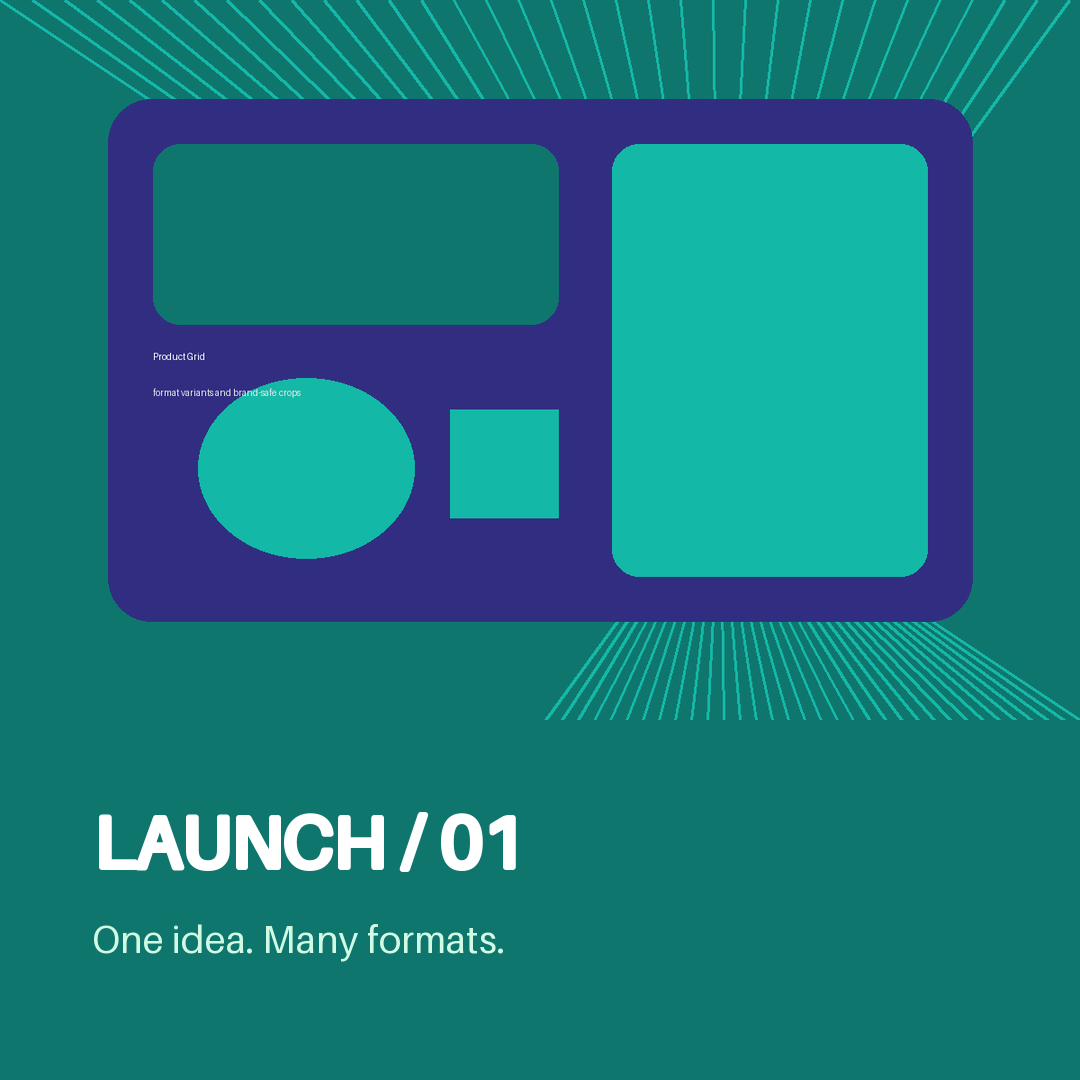
Studio composes seeded artwork, a brand-color panel, and editable text into this square output.
This silent 2.4-second clip moves from a seeded graphic to its Studio render. It is image-to-motion, not text-to-video.
The logo and Studio source graphic are procedural, not AI-generated or client-approved. The Studio sample demonstrates layered composition, not Image FX treatment. Real image or logo generation requires a configured model and compatible hardware; MP4 rebuilds require the motion encoder.
Follow the seeded artwork from Studio to motion and sample handoff →
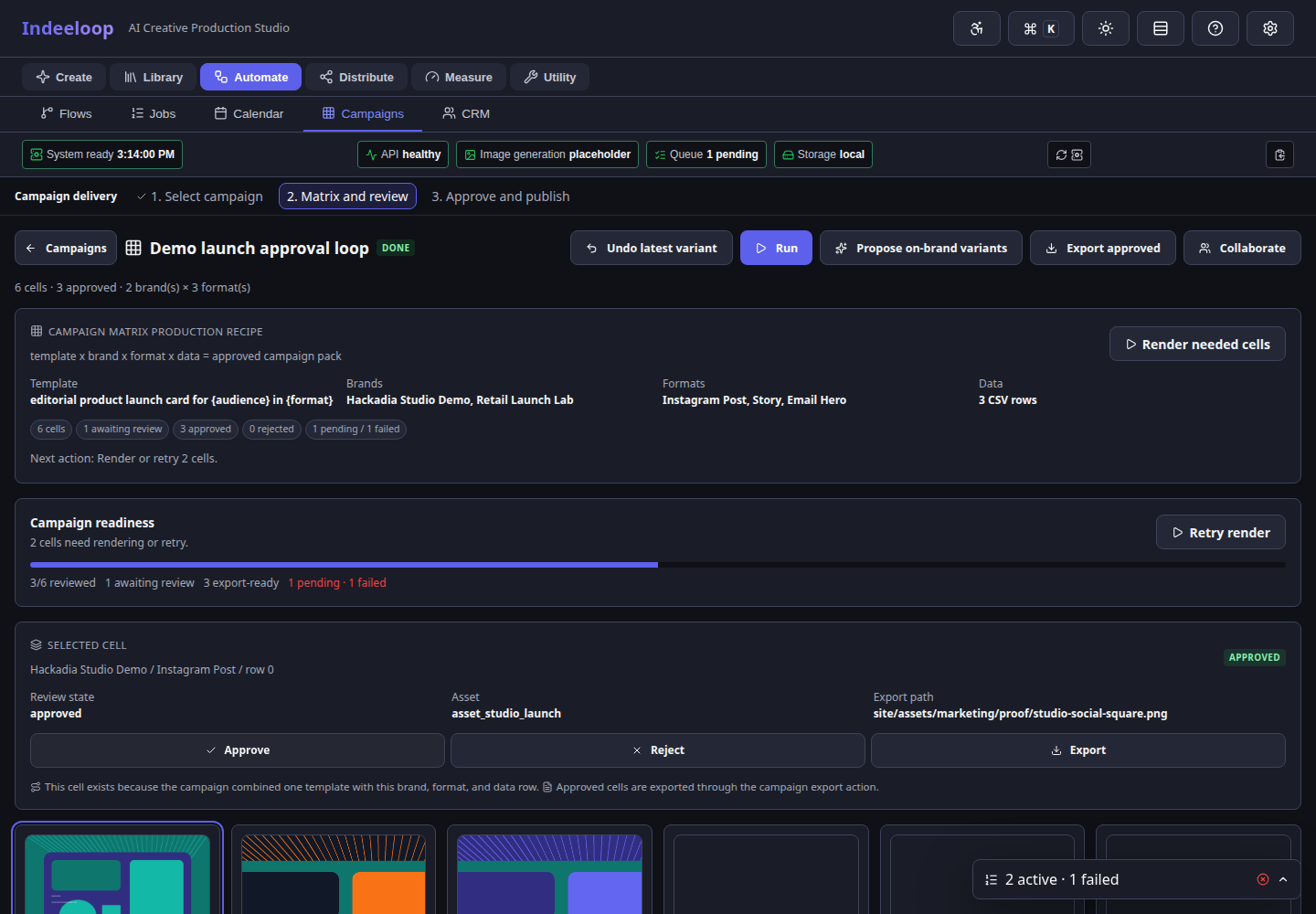
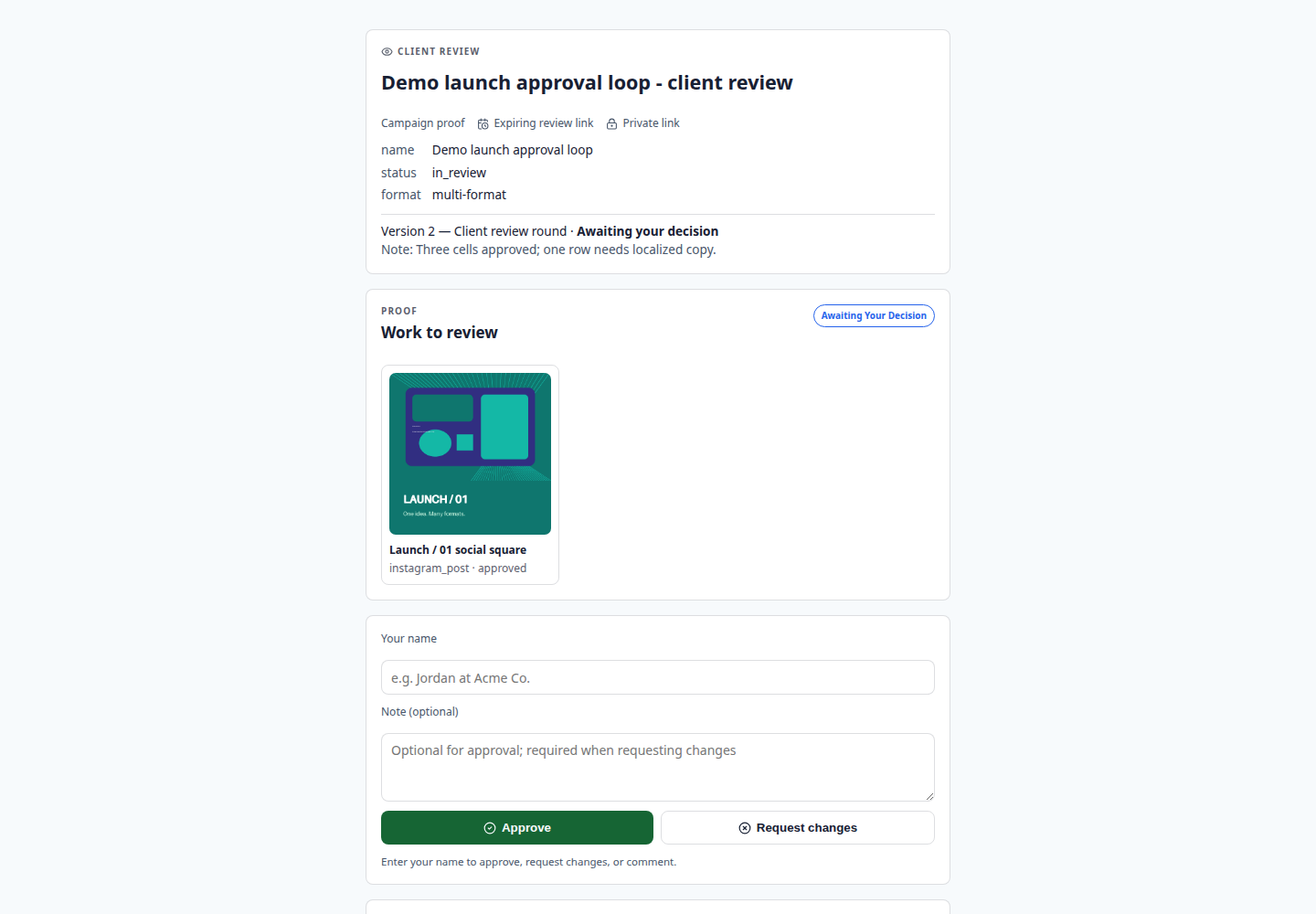
Campaign and review screens show seeded data, not a real client approval. They show where the human decision fits after production.
Explore Campaign Matrix →Move from a first visual direction to images, brand-consistent artwork, and motion.
Use prompts or references to find a visual direction, then refine it with image-to-image and inpainting.
Explore image generation →Bring colors, fonts, logo references, and style guidance into repeatable production work.
Explore brand and logo →Use image processing, effects, masks, upscaling, and editable Studio layers to finish an asset.
Explore Image FX and Studio →Animate images, frames, layers, or audio; export GIF or MP4 when the encoder is installed.
Explore video and motion →Keep sources findable and make repeatable work visible.
Inspect image and PDF imports, then find and reuse them through Gallery search and metadata.
Explore collections →Turn one approved direction into reviewable cells across brands, formats, audiences, and data.
Explore Campaign Matrix →Use Jobs, Flows, and Calendar to track progress, inspect failures, and retry targeted work.
Explore Jobs and Flows →Get a decision on the right version, then deliver or measure the result.
Keep comments and approvals with the asset, then share accepted exports through portals or configured connectors.
Explore review and delivery →See clicks and referrers for a public asset link. Use a review link instead when approval is required.
Explore tracked shortlinks →Connect the workflow to your tools and run it on infrastructure you control.
Connect assets, jobs, shares, and exports to existing systems through scripts or remote API control.
Explore API, CLI, and Python →Let trusted MCP agents inspect options and prepare drafts while people retain review and release control.
Explore local agents →Own storage, model setup, backups, and service readiness in a local or self-hosted deployment.
Explore self-hosting →Choose a first workflow, or tell us which output and handoff matter most to your team.