Create a link
Choose the asset or destination and create a manageable short URL.
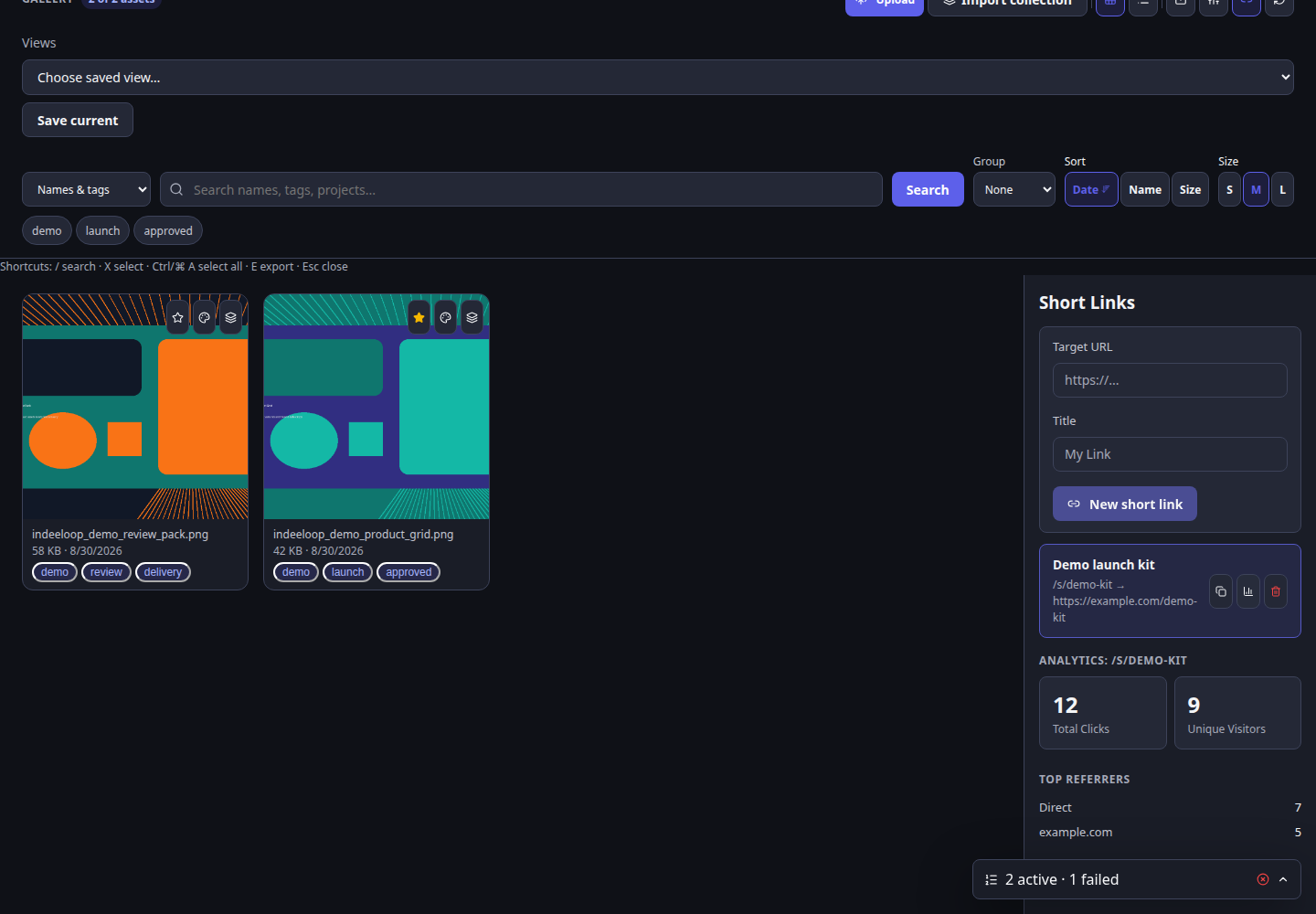
Create a short public URL for a Gallery asset or destination, then see basic engagement without leaving the production workspace.
The work stays connected to its source, edits, and next handoff.
Choose the asset or destination and create a manageable short URL.
Copy the link into a campaign, message, or social post.
View total and unique clicks, referrers, and daily activity in Gallery.
A marketer sends a visual asset in a launch message and checks whether the shortlink drew visits over the following days.
The displayed counts are illustrative, not live traffic. A shortlink is for sharing and measurement; use a review link when a recorded approval is needed.
Select a Gallery asset or destination worth sharing.
Generate and copy a short URL, then distribute it.
Check aggregate clicks and referrers; adjust the campaign if useful.
Marketers and agencies sharing public creative and wanting simple response signals.
Click counts indicate link activity, not conversions or a person's intent. Handle public exposure and link deletion with care.
Explore the campaign path from approved variant to tracked link.