Invite review
Share a review link for the asset or campaign cell that needs a decision.
Share a focused review link, capture the decision on the asset, and hand over approved files without mixing drafts into delivery.
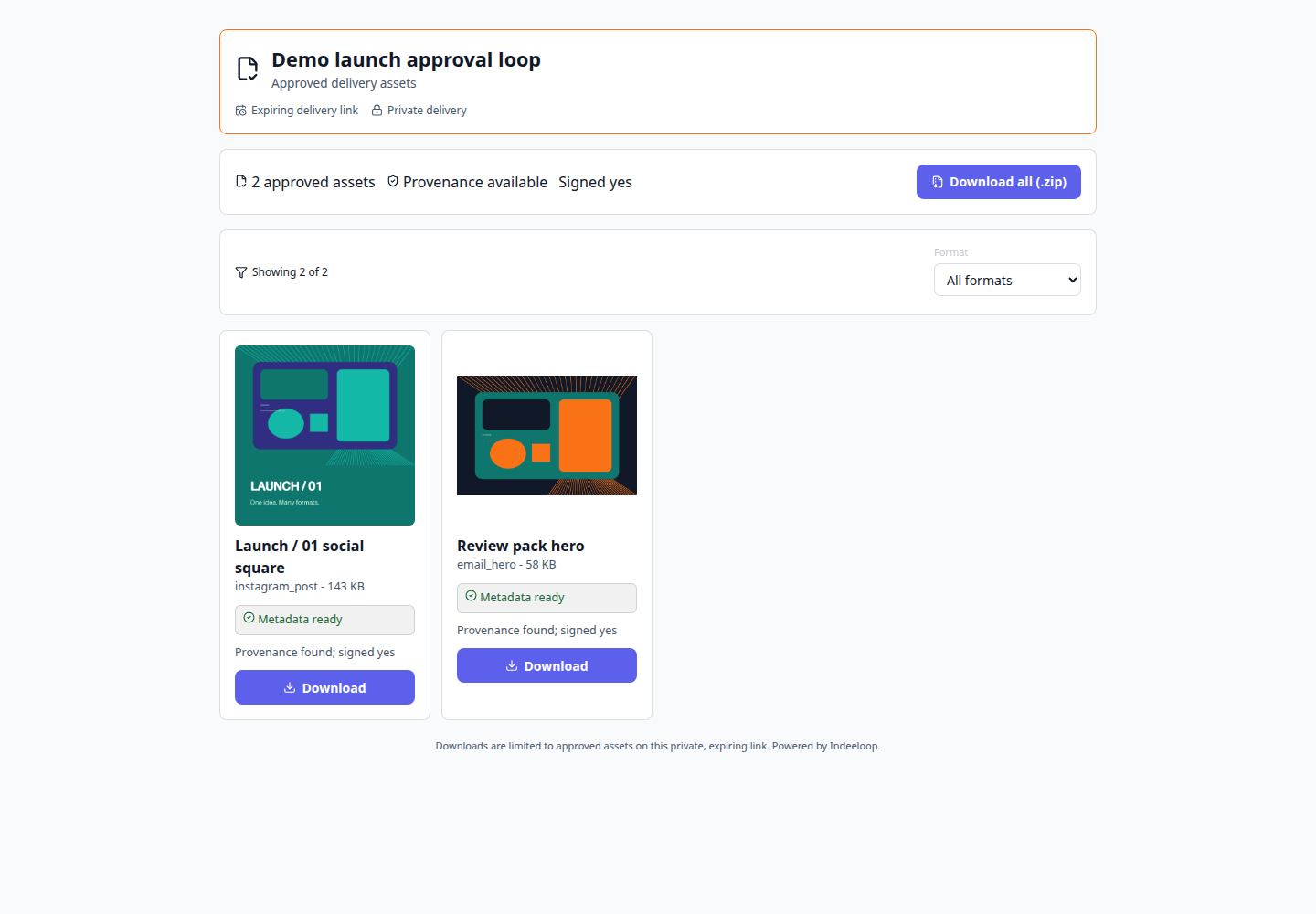
The work stays connected to its source, edits, and next handoff.
Share a review link for the asset or campaign cell that needs a decision.
Keep comments, requested changes, approval state, and versions close to the work.
Collect the accepted exports in a read-only client portal or configured delivery path.
A client reviews a campaign variant, requests a text change, then approves the revised version. The approved export appears in the delivery portal.
These screens use sample data, not a real client approval. Configure access, expiry, and recipients appropriately before sharing sensitive work.
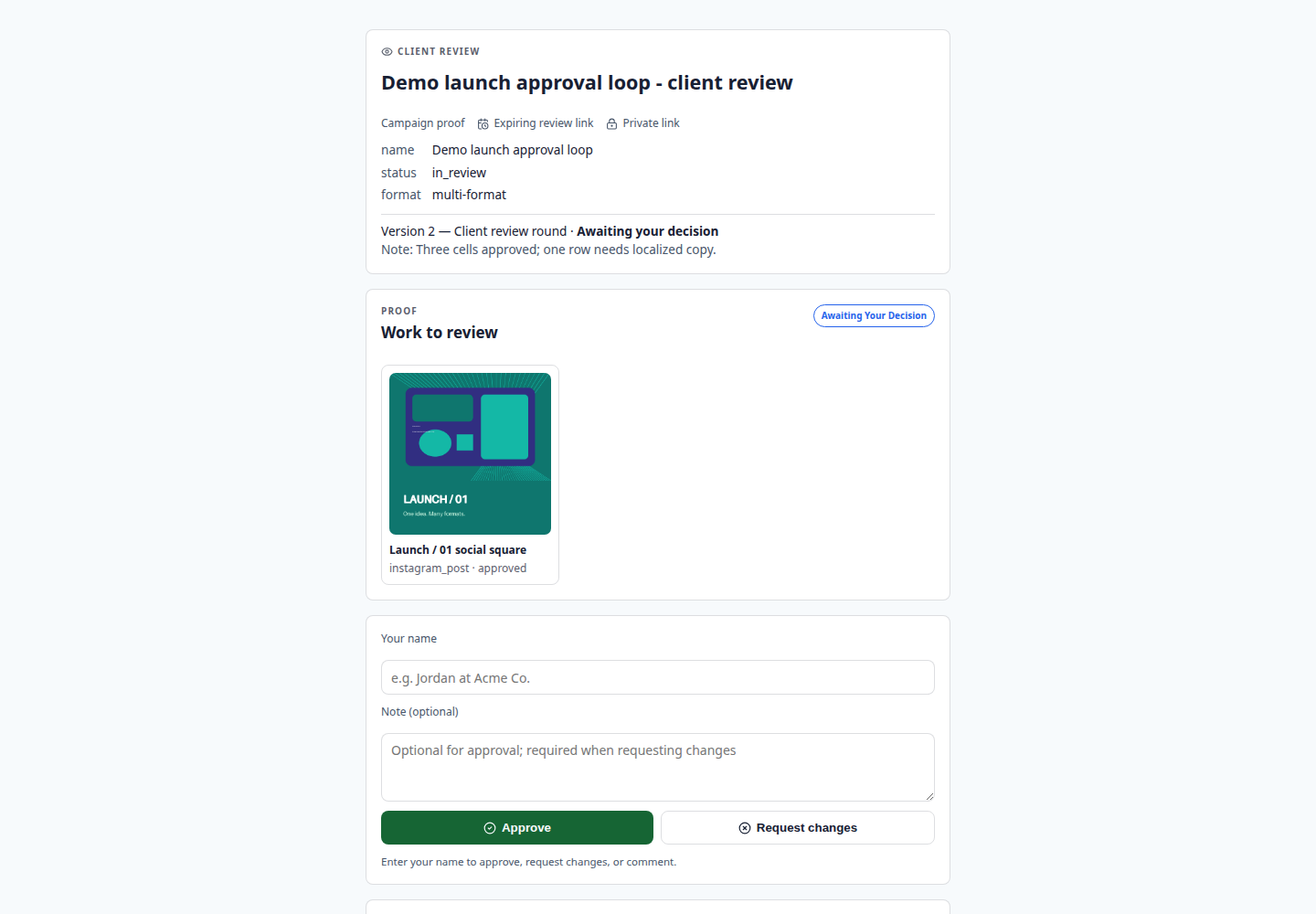
Choose the asset and recipient, then issue the right review link.
Collect comments or approval and revise the specific version when needed.
Publish only accepted exports to the client-facing destination.
Agencies, in-house creative teams, and stakeholders who need a traceable approval decision.
A tracked shortlink measures traffic; it is not a substitute for a review link with explicit approval state.
Follow the campaign example to see how a decision stays connected to the version you share.