Local storage by default
Keep app state, generated output, and gallery files on infrastructure your team controls.
Choose where creative assets live, keep production services visible, and give your team a clear path for backup and recovery. Indeeloop supports local storage and S3-compatible options, including AWS S3 and Cloudflare R2.
Keep app state, generated output, and gallery files on infrastructure your team controls.
Connect S3-compatible object storage when a hosted team needs shared capacity and operational separation.
Settings and Service Health show whether configured storage is available before a workflow relies on it.
One operator view brings model, worker, queue, storage, and integration state together. Jobs show longer work and retry paths; backups and restore remain your team's responsibility.
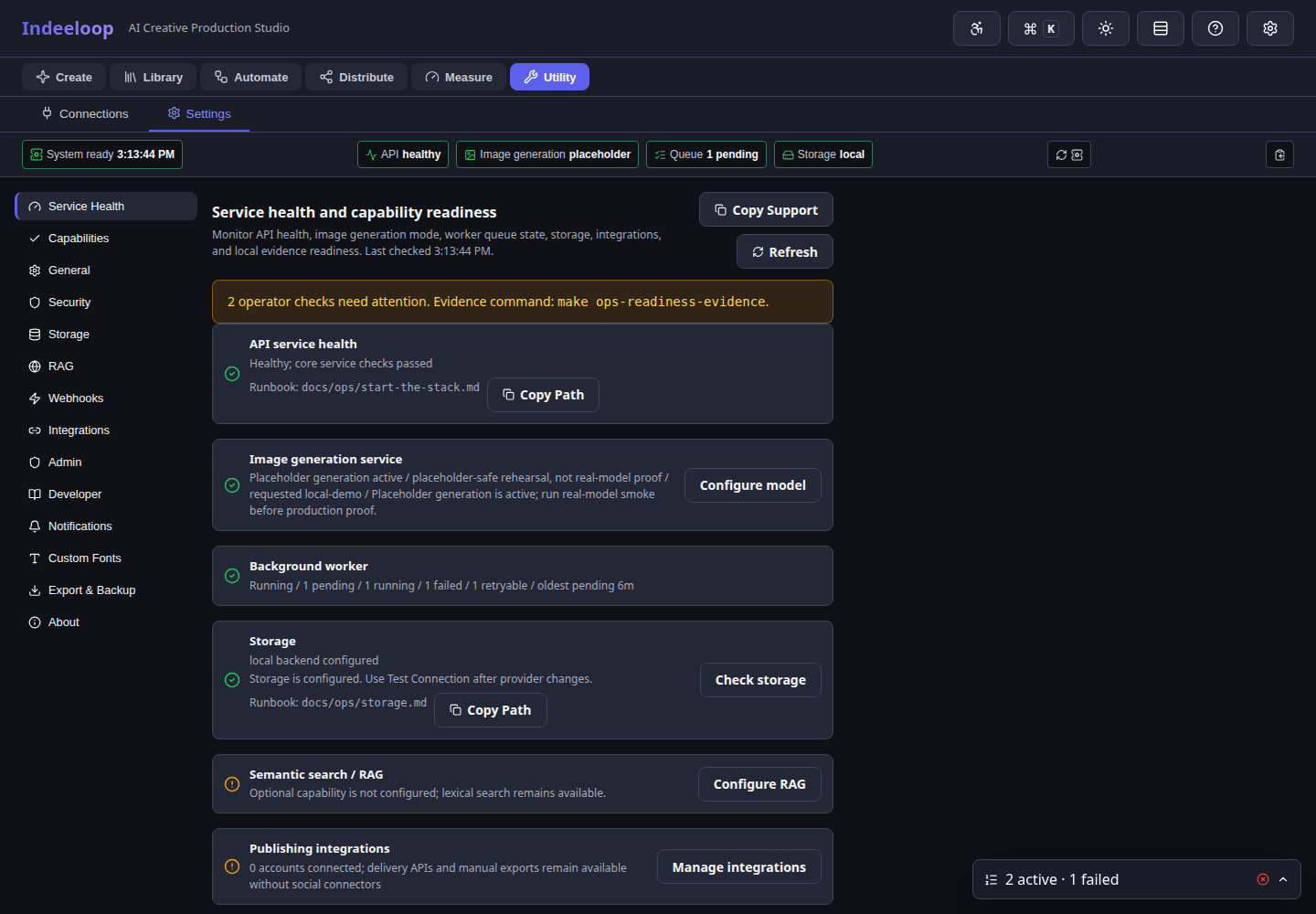
Know what is readyCheck models and services before production work depends on them.
Follow each jobInspect progress, failures, and retry options for long-running work.
Plan recoveryChoose backup and restore practices for the environment you operate.
Keep creative work, storage, and access policies close to the people responsible for them.
Separate application services, storage, and backups as the workload grows, without changing the creative workflow.
Evaluation examples are clearly labeled. Real image generation depends on installed model weights and compatible hardware.
Recipients see approved assets in a focused delivery portal. Your team chooses where those files are stored and who can access them.
See review and delivery →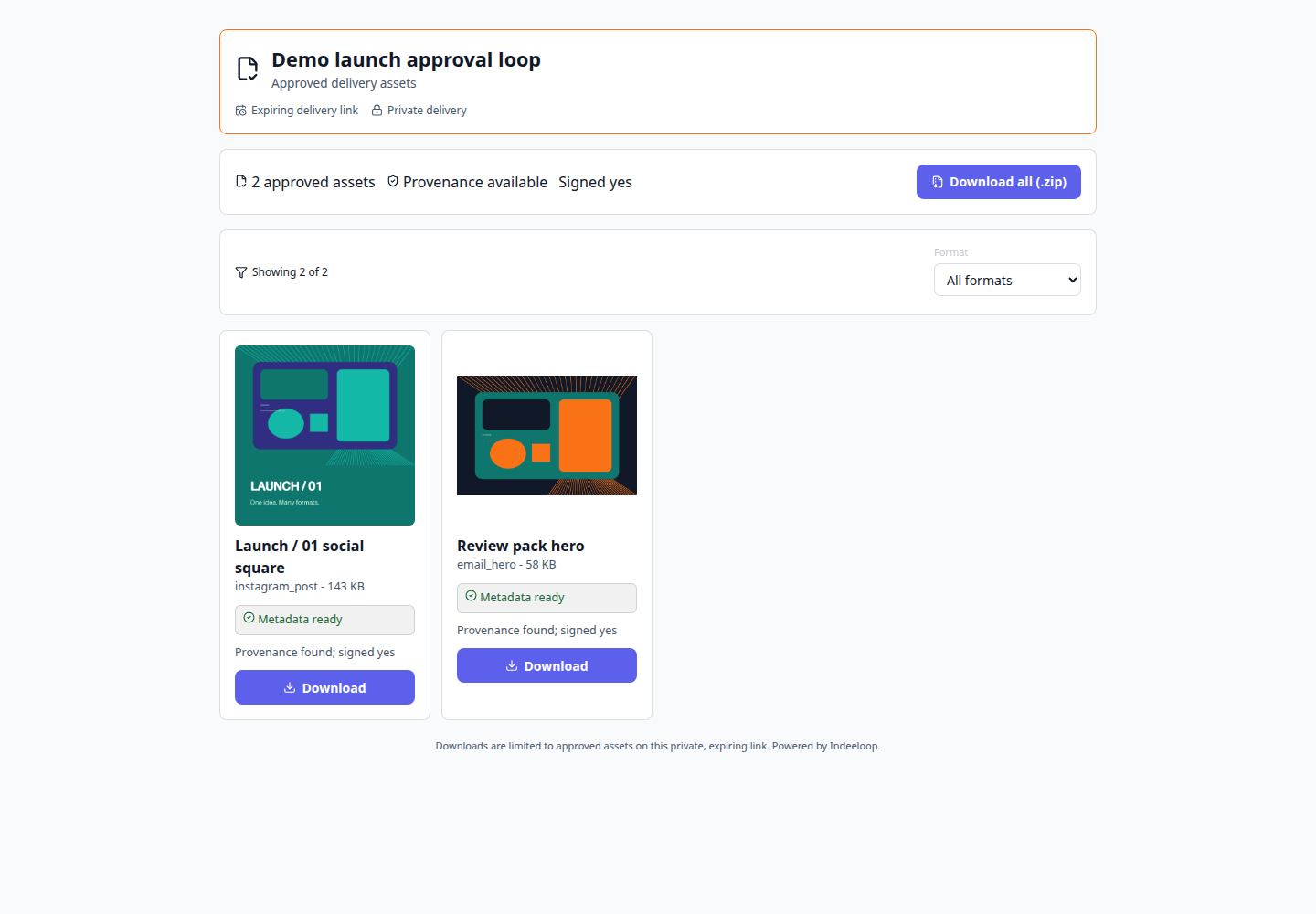
Keep the operational essentials visible: where assets live, whether services are healthy, how to recover, and what data leaves your environment.
Choose the storage and operating model that fits your team, then start with one production path worth repeating.