Define the flow
Collect the inputs, steps, and handoffs that should repeat across a project or campaign.
Turn repeated creative operations into visible jobs and flows, so producers can follow progress and recover from a failed step.
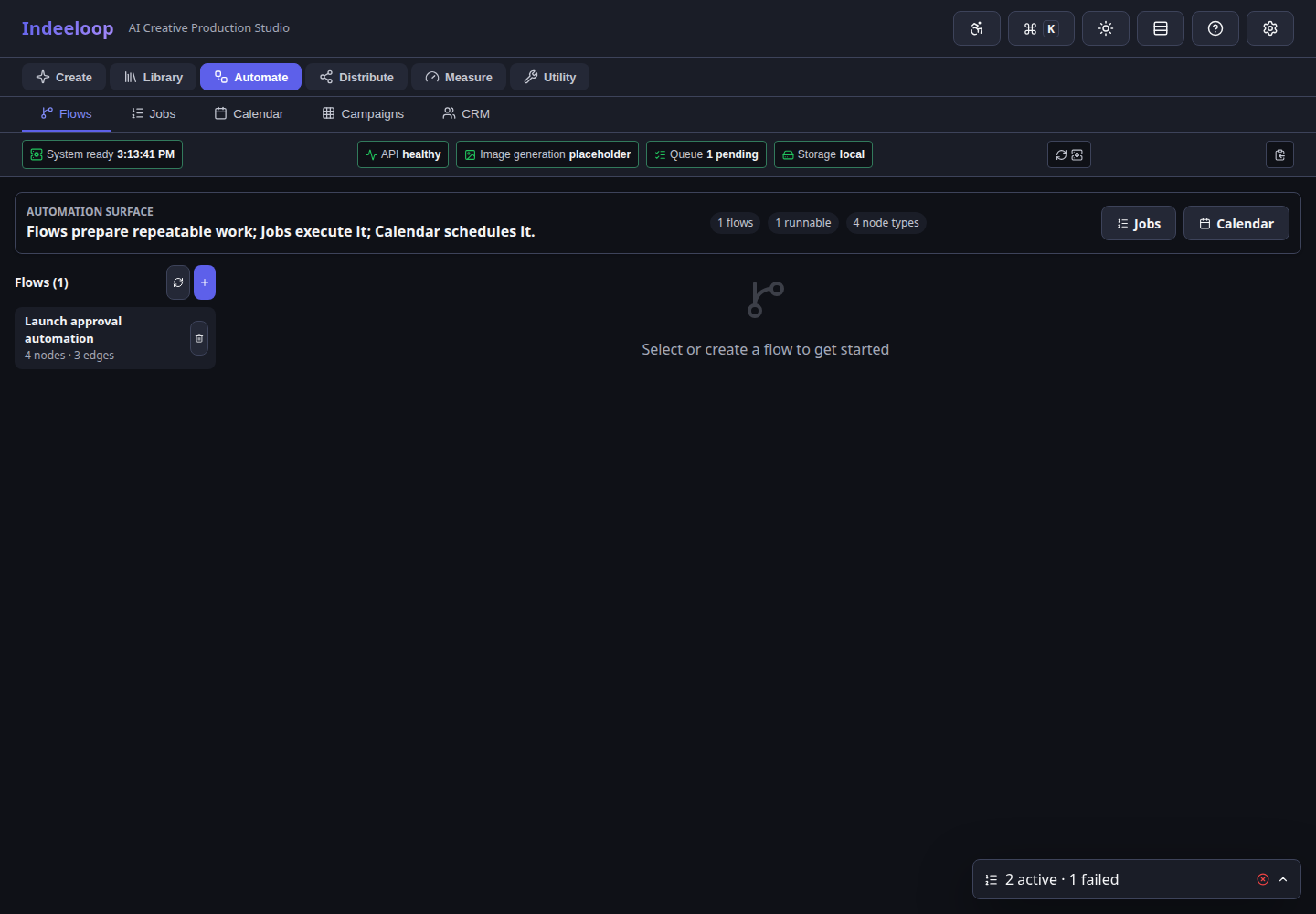
The work stays connected to its source, edits, and next handoff.
Collect the inputs, steps, and handoffs that should repeat across a project or campaign.
See status and progress in Jobs instead of guessing whether a long-running task finished.
Inspect a failure, correct the input or environment, and retry the relevant work.
A team can run a batch of campaign variations, see which cells completed, inspect a failed job, and send only the affected result back for revision.
Screens show sample job data. Scheduling and connectors depend on configuration; a completed job is not automatic permission to publish.
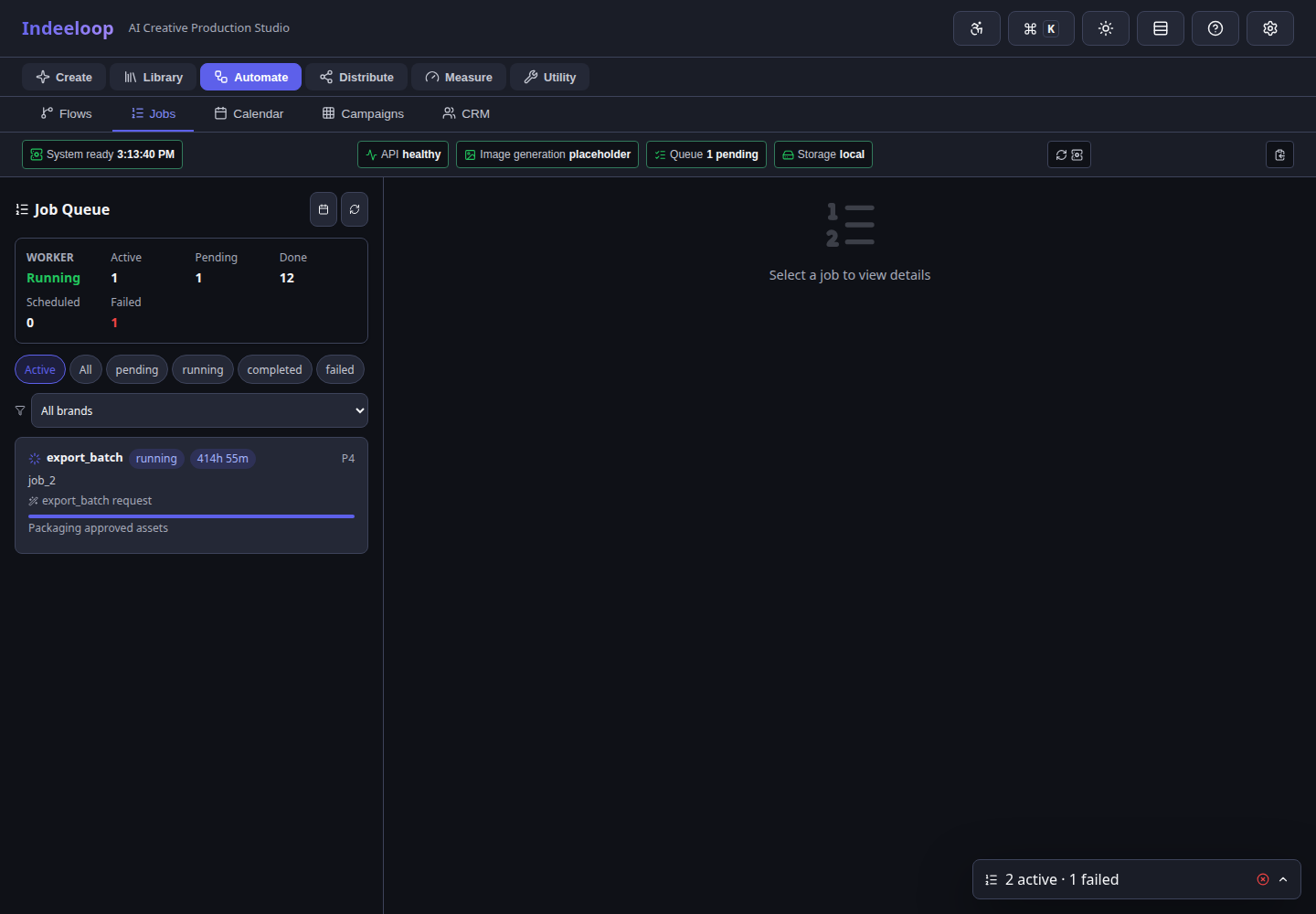
Choose a defined workflow and confirm its inputs.
Start the work, monitor Jobs, and inspect warnings or failures.
Retry a targeted step if needed, then send completed assets for human review.
Producers and operators coordinating recurring creative runs or batches across teams.
Flows improve repeatability and visibility; human review remains the release boundary for public-facing work.
Follow the automation path to see a request, its status, and the review boundary.